

This guide will walk you through deploying Sourcebot locally or on a VM using Docker Compose. This is the simplest way to get started with Sourcebot. If you are looking to deploy onto Kubernetes, see the Kubernetes (Helm) guide.Documentation Index
Fetch the complete documentation index at: https://sourcebot-v5.mintlify.app/llms.txt
Use this file to discover all available pages before exploring further.
System requirements
- RAM: Ensure your environment has at least 4GB of RAM. Insufficient memory can cause processes to crash.
- Docker & Docker Compose: Make sure both are installed and up-to-date.
- Node.js 18+: Required for the setup CLI
Option 1: Setup CLI
The setup CLI will guide you through configuring your Sourcebot instance to connect to your code hosts and LLM providers. From a empty folder, run the following command: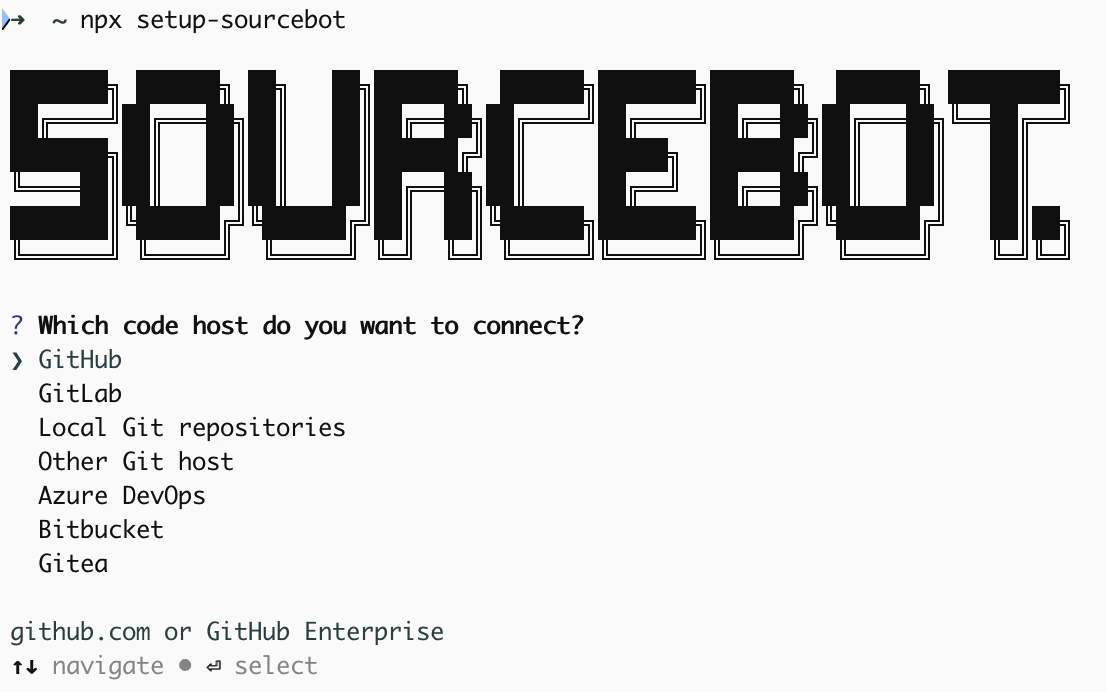
Option 2: Manual steps
Obtain the Docker Compose file
Download the docker-compose.yml file from the Sourcebot repository.Create a config.json
In the same directory as thedocker-compose.yml file, create a configuration file. The configuration file is a JSON file that configures Sourcebot’s behaviour, including what repositories to index, language model providers, auth providers, and more.
Create example config
Launch your instance
Update the secrets in thedocker-compose.yml and then run Sourcebot using: