Sourcebot provides different role types to help you control access and permissions across your organization.Documentation Index
Fetch the complete documentation index at: https://sourcebot-v5.mintlify.app/llms.txt
Use this file to discover all available pages before exploring further.
| Role | Permission |
|---|---|
Owner | Owners have full administrative control over all organization-level settings, including user management, access control, billing, and audit logs, in addition to all permissions a member can perform. |
Member | Members have access and to use all standard features, such as code search, ask, mcp, etc., as well as their account settings. Members cannot access organization-level administration pages. |
Guest | Guests are users that access Sourcebot without a account when anonymous access is enabled. Guests can use some features, such as code search and browsing files, with additional limitations like not having chat history. Guests cannot access organization-level administration pages. |
On the free plan, all signed-in users are given the
Owner role.Managing member roles
is only available in a paid plan. Please add your license key to activate it.
Owner, and scoping access back down to Member when administrative responsibilities change.
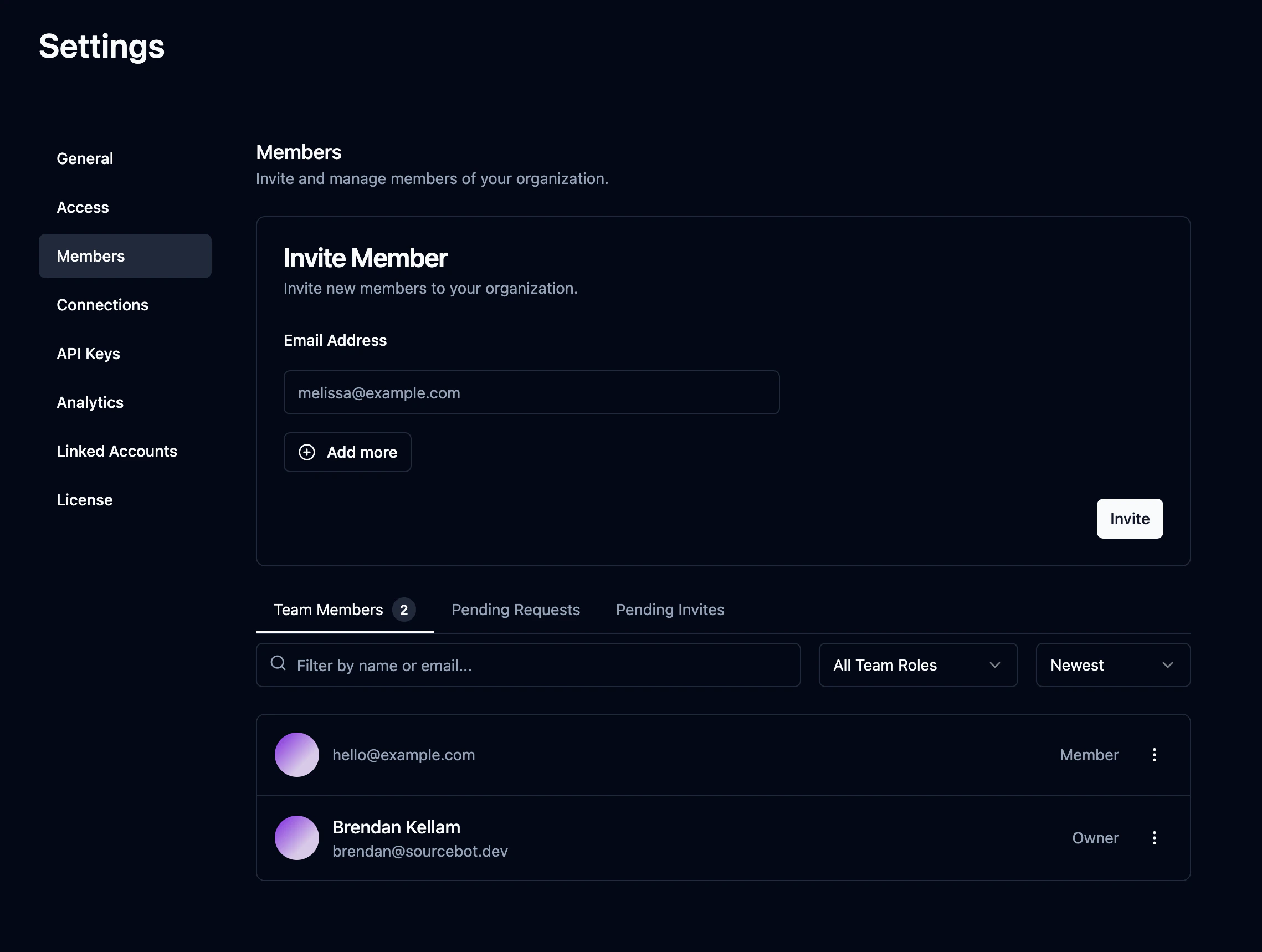
Promoting a member to owner
To promote a member, click the action menu (three dots) next to their name in the members list and select Promote to owner. The member will immediately gain full administrative access.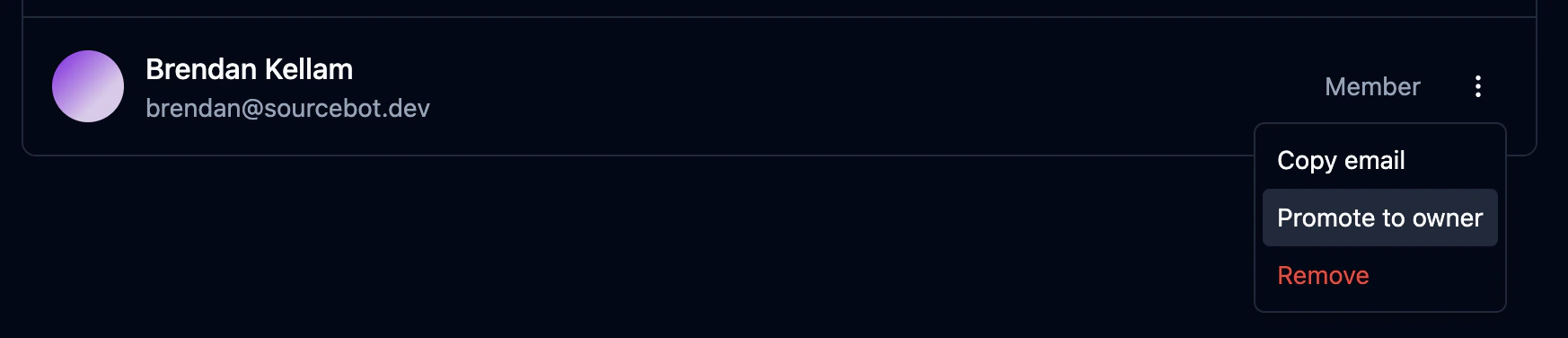
Demoting an owner to member
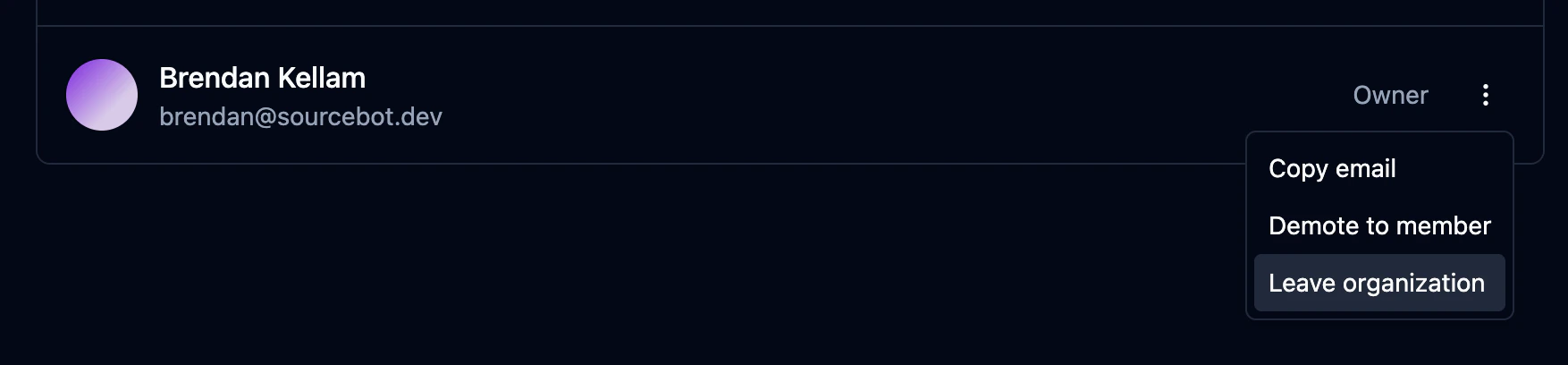
To demote an owner, click the action menu next to their name and select Demote to member. Owners can also demote themselves to step down from the role. The last remaining owner of an organization cannot be demoted - at least one owner must exist at all times.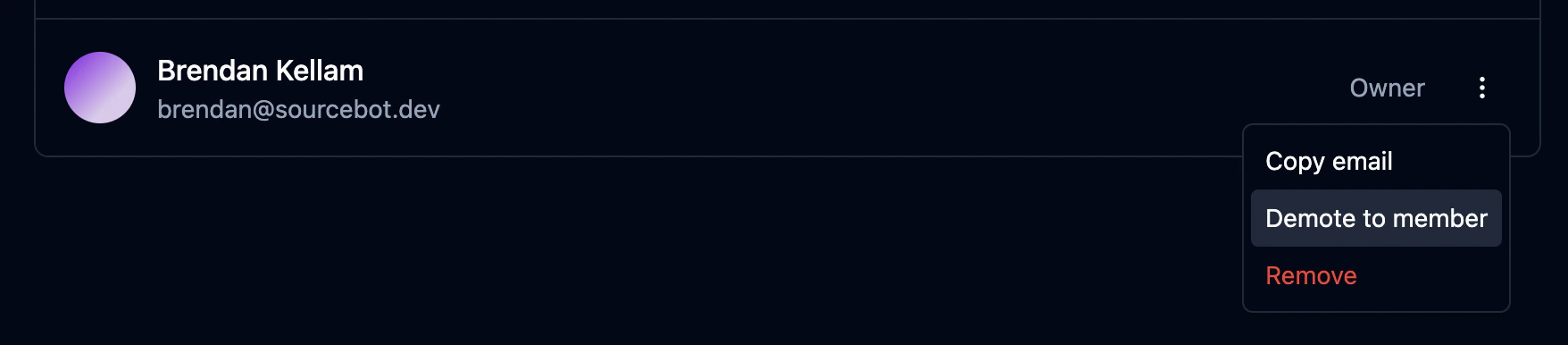
Leaving an organization as an owner
An owner can leave the organization as long as at least one other owner exists. If you are the last owner, you must promote another member to owner before leaving.